
Print Your Cause Learning Center
Learn how to build, launch, and run your store.
Follow a visual guide when you need to complete a task. Read the learning library when you need help choosing a product, preparing artwork, or deciding how your merch should be made.
Try a task, a question, or the words you see on screen.
Step-by-step guides
Get something done
Just received access? Start with the first guide. Otherwise choose the task you need. Every guide uses the same screens you will see in your account.
New account
Sign in and find your store
Use the invited email, open the correct organization, and find the existing store you will manage. Start here →
Finish and launch your store

Step 1 · Visual guide
Build your first product
Plan one useful item, choose its Decoration technique and product, add artwork, check colors and sizes, polish the storefront details, and set its Sales price. Start the guide →
Step 2 · Visual guide
Get your store live
Review the customer view, check the store essentials, turn on ordering, and know which link to share. Start the guide →

Step 3 · Visual guide
Set up your account
Review administrator access, confirm the company address, add payment only when prompted, and complete profit-payout setup through Melio. Start the guide →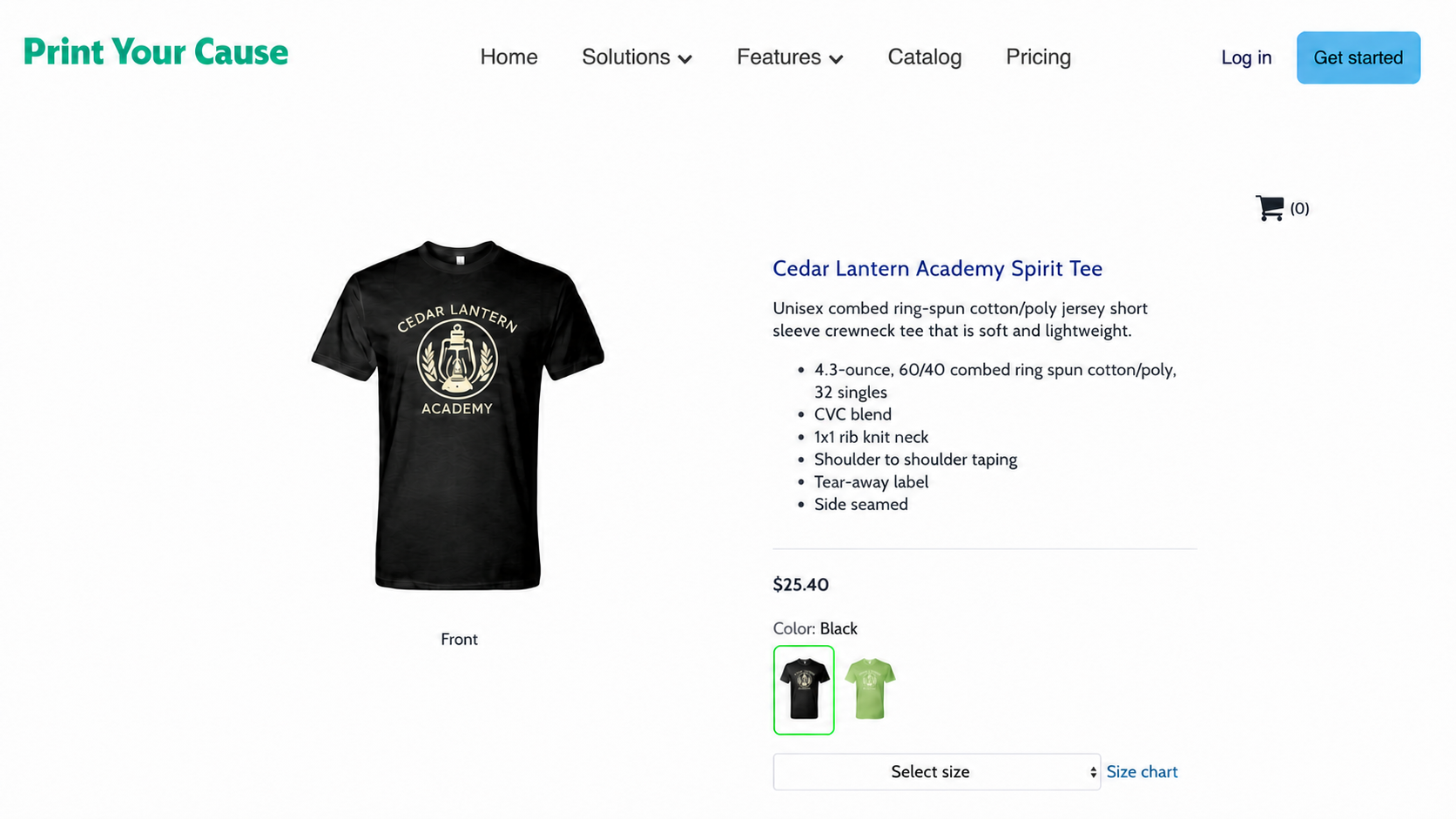
After launch
Share your store
Copy the public Storefront link, check the customer view, and share a clear message with your audience. Open the guide →After the first order
What happens after your first sale
See what happens after checkout, how buyers reach our support team, and how profit payouts work. Open the guide →
Need to change a product you already built?
Edit and polish a product
Fix the artwork, colors, name, description, first storefront image, or price without starting over.Learning library
Understand what to choose—and why
These are not instructions for clicking through the builder. They explain the decisions that determine how a product looks, feels, prints, and performs.
Printing & decoration
Choose a print method
See how DTF, DTG, embroidery, engraving, screen printing, and specialty methods differ—in result, feel, compatible products, and artwork. Learn about print methods →Artwork & files
Prepare artwork that will reproduce well
Learn how final size, resolution, transparency, contrast, line weight, placement, and the decoration method change what your file needs. Learn about artwork →Products & materials
Read product specifications with confidence
Understand fabric weight, fibers, yarn, fit, construction, size charts, and why “soft” or “heavy” never tells the whole story. Learn about products →Growth & strategy
Use the right production strategy
Compare print on demand, bulk ordering, hybrid programs, screen-print transfers, and when a specialty workflow needs our production team. Explore advanced strategies →Browse help